
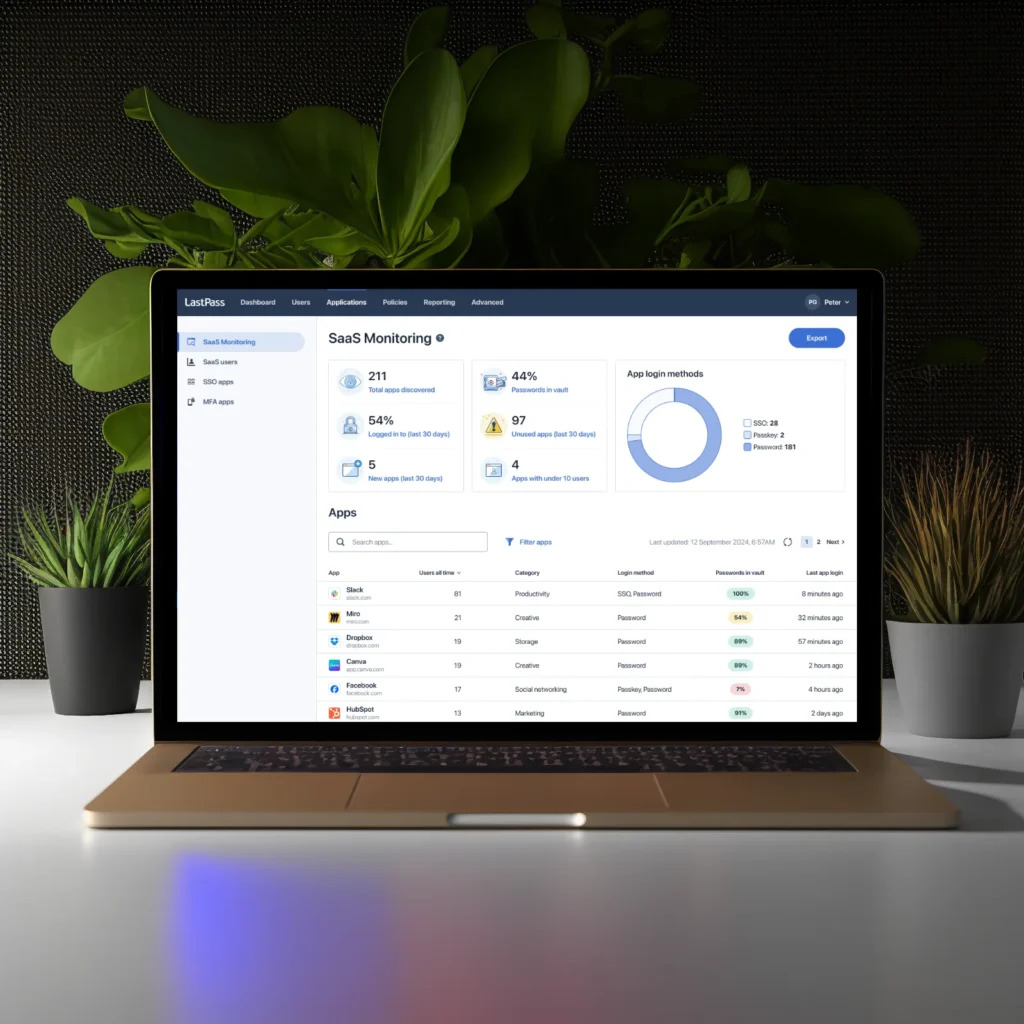
00 In a hurry? Watch this video.
01 The problem
LastPass is augmenting its offers because the market is changing rapidly. The big players (Google, Apple, Microsoft) are making password management a commodity.
Monitoring employees’ SaaS app usage is already covered but the solutions available on the market are extremely complex and expensive. Small and medium-size businesses can’t afford them and don’t even have the professional competence to maintain such solutions.
02 The process
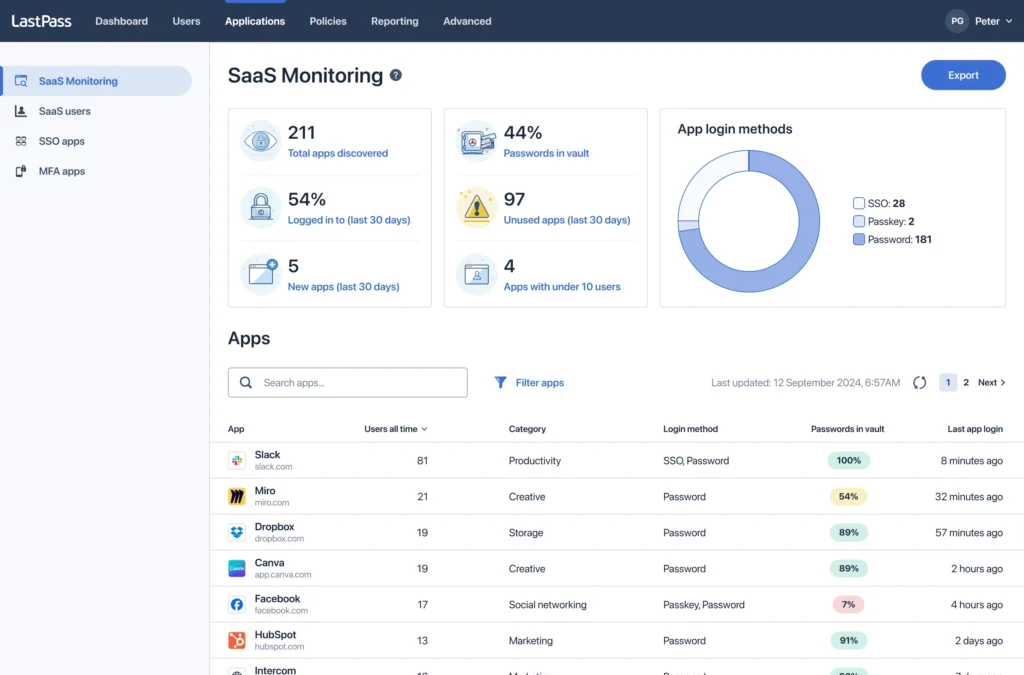
SaaS App Monitoring is part of the Admin Console where IT admins can set up the security system for their organisation. We kept the design patterns already present where possible. We also created some new ones to serve the special use cases better.
This app (or within the app) is the first to be built entirely using LastKit 2.0 design system’s components.
At the start the project was led by a colleague of mine, and was transferred to us in April 2025. Since then we made two GA release (Monitoring and Protect features) and moving forward continuously. The team: a Product Manager, two designers, a UX researcher and engineering. We have the close attention of the Senior Leadership team and the Chief Product Officer.
My contributions are shaping the information architecture, the workflows and (micro)interactions, and I’ve been delivering design proposals that address important problems further down the road (so affecting the product roadmap).
Since April we made numerous iterations based on the feedback from users (coming in through multiple channels, like moderated tests, interviews, insights from the sales team, etc).
03 The solution
LastPass’s SaaS App Monitoring makes deployment a breeze and the pricing is customer-friendly, so small and medium-size businesses can leverage it to increase information security.
With the rise of unsanctioned SaaS tools and AI services – especially as employees adopt unauthorized technology – SaaS Monitoring empowers organizations to identify and manage these risks effectively.
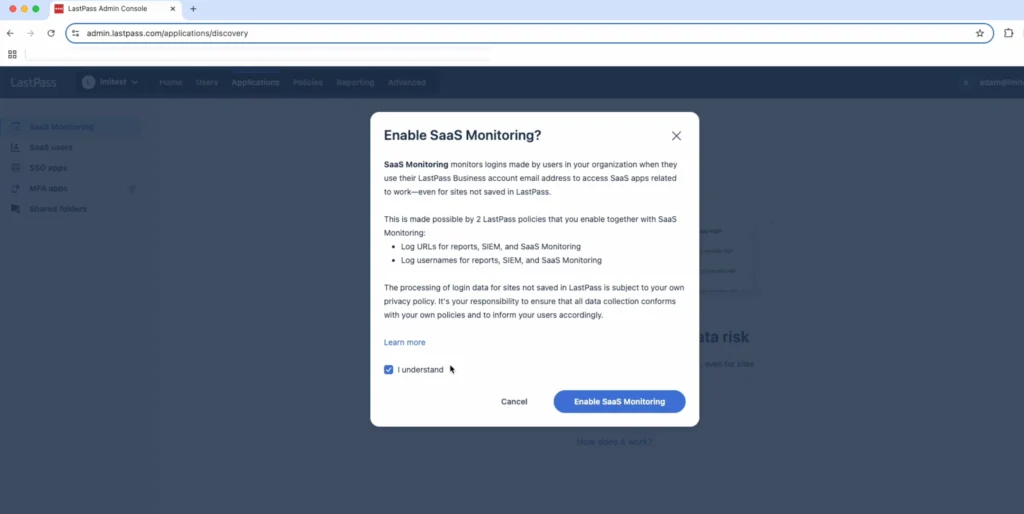
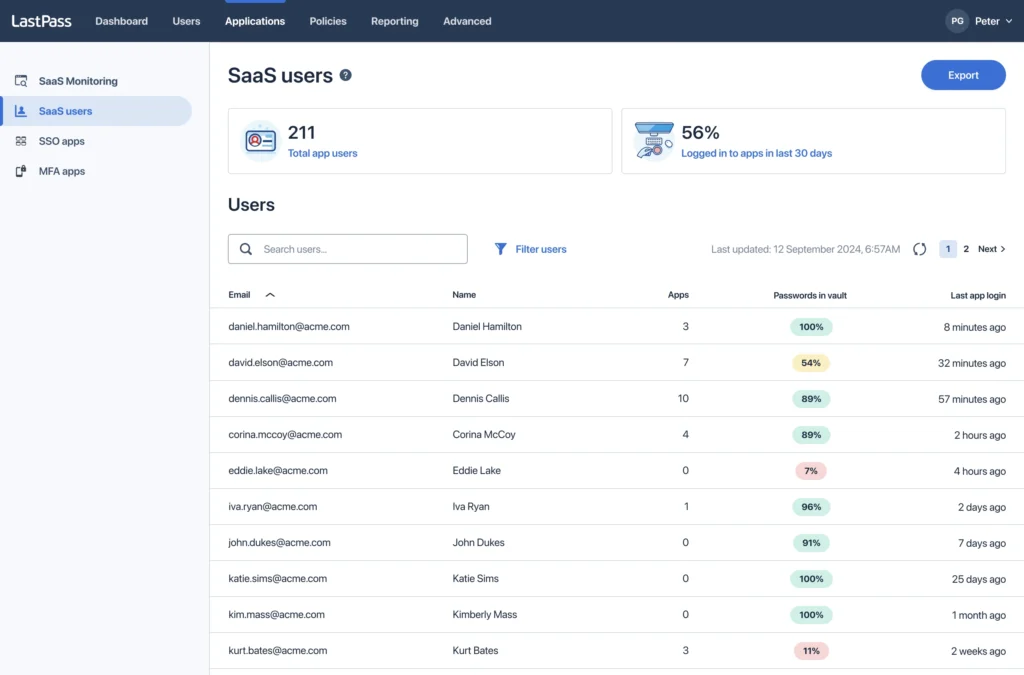
The following screens show the admin interface and the end user experience.
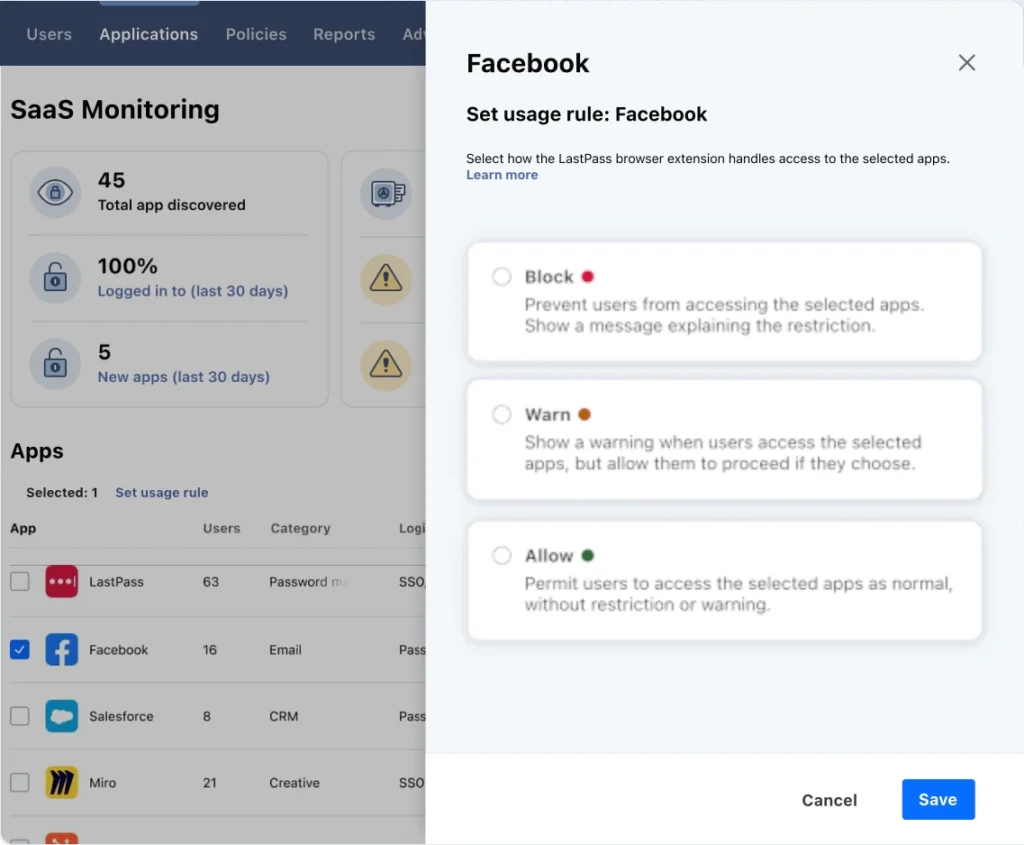
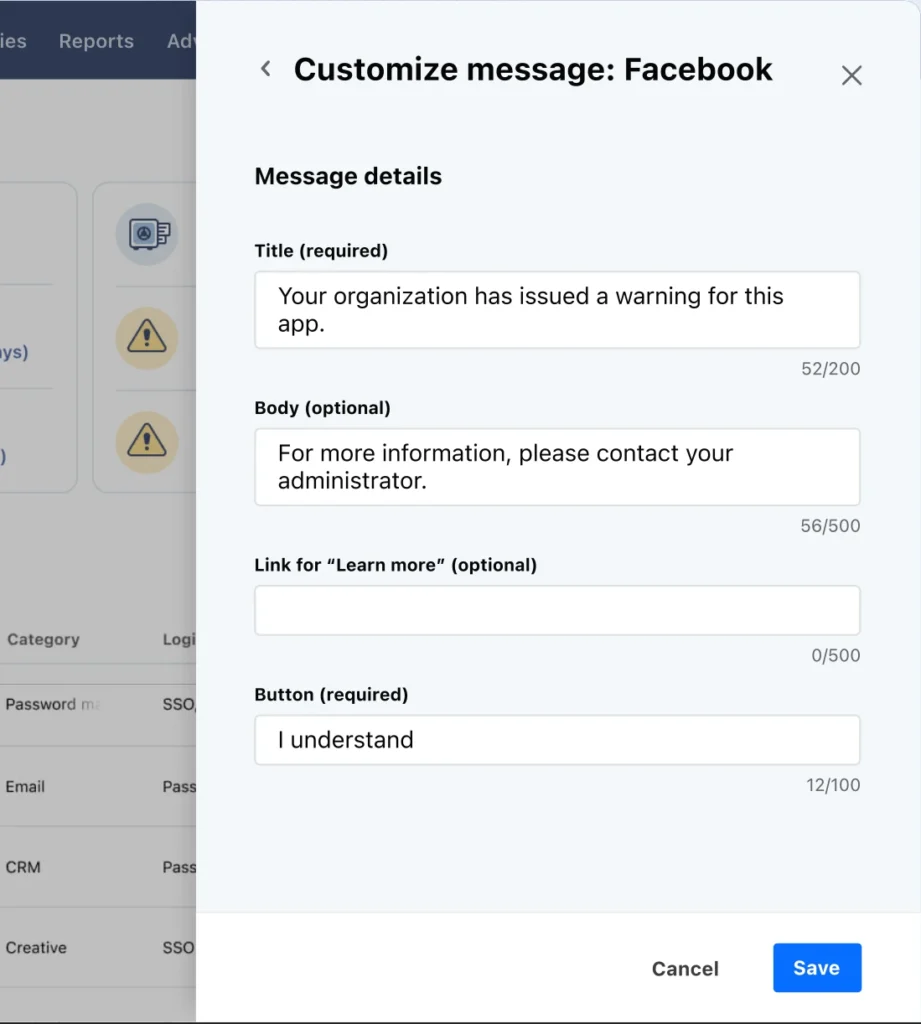
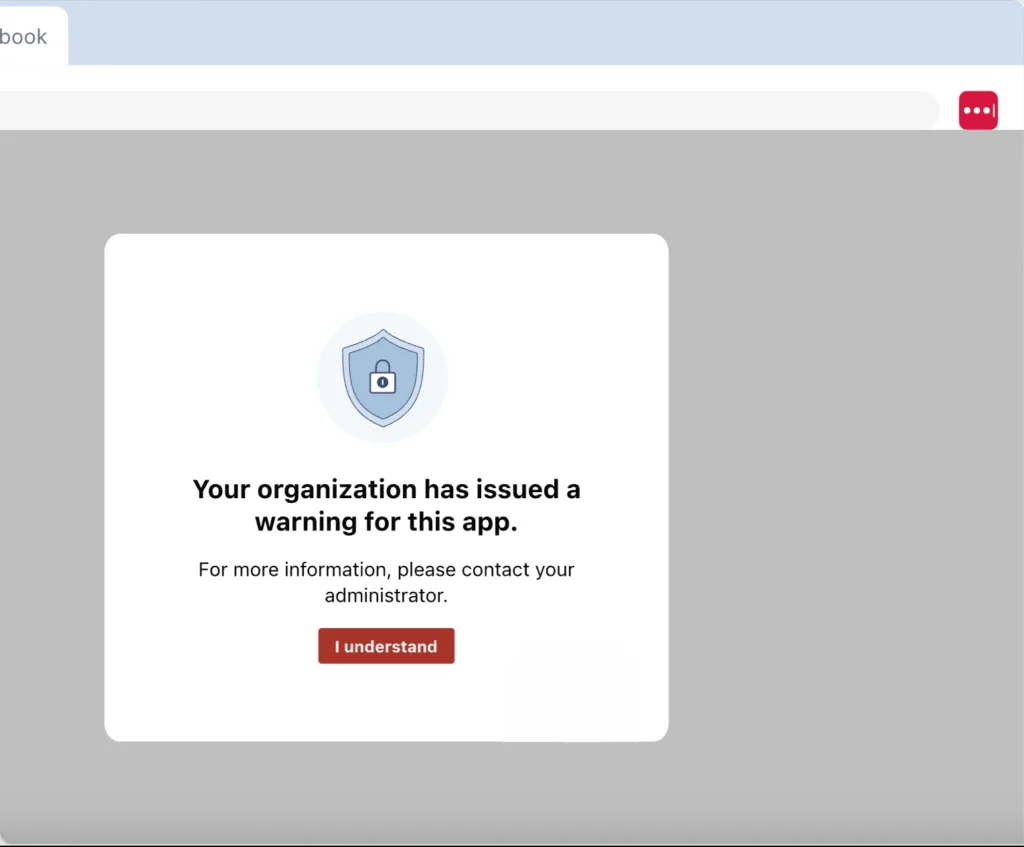
To dive deeper, see LastPass’ own product page.